ChatGPT Sketch turns doodles into AI images
The 30-Second Skim7 points
- What happenedOpenAI launched ChatGPT Images 2.5 with a new Sketch tool that turns rough user doodles into detailed AI-generated images, cutting generation latency by up to 50%.
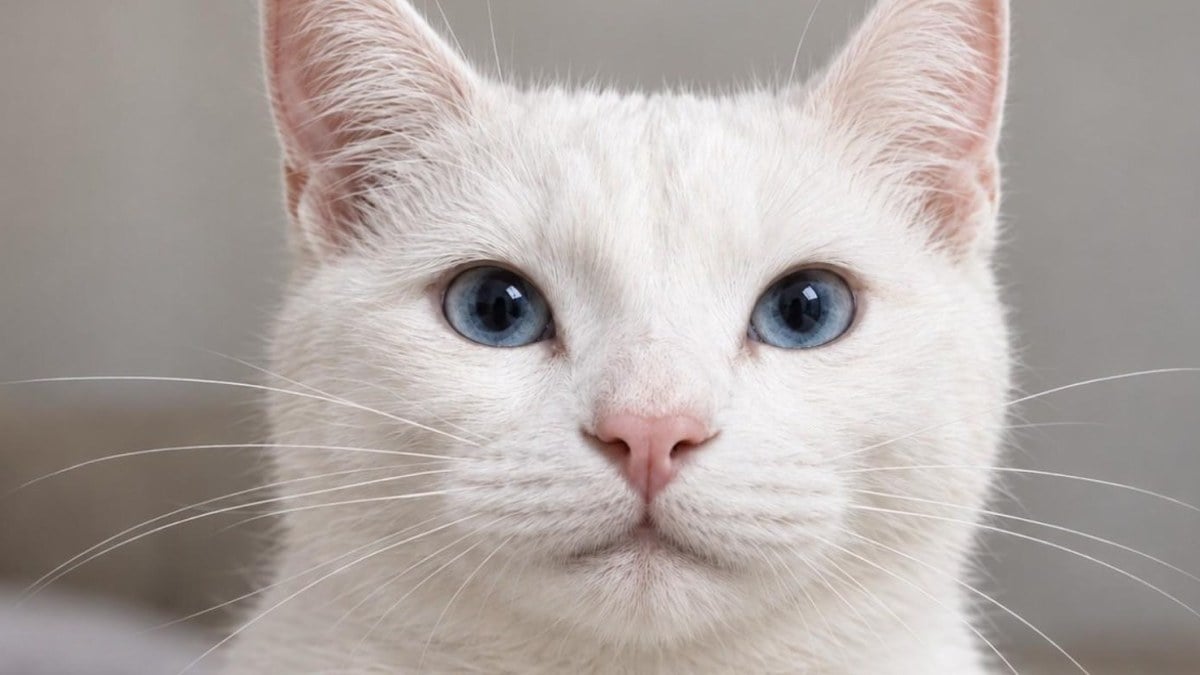
- Key facts & numbersOpenAI announced ChatGPT Images 2.5 on Tuesday alongside a new Sketch feature that lets users draw inside the chat to guide image generation. The Sketch tool is activated by typing @Sketch in the chat box, opening a drawing window; a tester turned a mouse-drawn cat doodle into a realistic photo via text instructions. Users can now leave inline comments directly on parts of an image to request targeted edits, such as changing a cat's eyes from blue to green.
- What happens nextThe region-specific comment editing is the quietly underrated part — that's basically Photoshop-style localized retouching dropped into a chat window.
- OpenAI announced ChatGPT Images 2.5 on Tuesday alongside a new Sketch feature that lets users draw inside the chat to guide image generation.
- The Sketch tool is activated by typing @Sketch in the chat box, opening a drawing window; a tester turned a mouse-drawn cat doodle into a realistic photo via text instructions.
- Users can now leave inline comments directly on parts of an image to request targeted edits, such as changing a cat's eyes from blue to green.
- ChatGPT Images 2.5 delivers "more natural lighting and richer textures" and follows editing instructions more reliably across multiple turns, per OpenAI.
Why It Matters
By letting a doodle substitute for descriptive prose, OpenAI removes a key bottleneck for users who can't articulate what they want — widening the audience for AI image generation. The 50% latency cut shortens iteration loops for the ChatGPT, ChatGPT Work, and Codex user bases, making visual workflows cheaper in time even without a quality-vs-cost trade-off.
Sources Cited
Related Coverage
Ask SkimNews