Sieve Mac App Scans AI Coding Chats for Leaked API Keys — SkimNews
Get the Tech newsletter
Daily tech — startups, AI labs, chips, the launches that shape the next decade. Free.
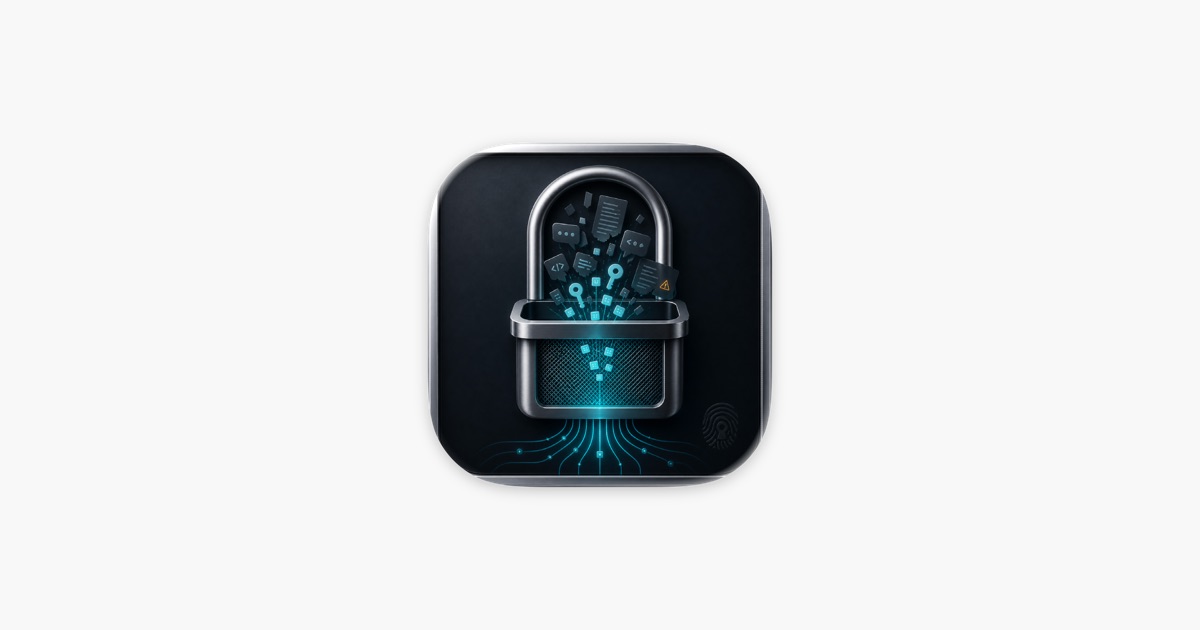
- Sieve scans local AI coding assistant directories (~/.claude/, Cursor's Application Support folder, Windsurf, Codex, and .env files) for API keys, tokens, passwords, and private keys that may have been pasted into prompts or surfaced via autocomplete.
- Sieve's redaction feature can remove detected secrets directly from VS Code SQLite chat databases (.vscdb files), creating a timestamped backup before any edits.
- Sieve Vault, backed by macOS Keychain, stores rotated secret values and never displays them; copying a value requires Touch ID or the Mac login password.
- Sieve ships with a local MCP server for Claude Code that lets the assistant check for exposed secrets and run commands with vault-injected credentials without seeing raw values.
- Sieve runs entirely locally — no network requests, no cloud sync, no telemetry — with an open-source core (SieveCore) and no account required.
- A recent Sieve update added automatic scanning for Cline, Roo Cline, and Kilo Code, Gemini CLI history (~/.gemini), and six new secret patterns covering HuggingFace, OpenRouter, Replicate, Linear, Notion, and Cloudflare tokens.
- Sieve is sold by developer Sunitha Vaishnavi Nalainthran as a 4 MB app requiring macOS 13.0 or later.
Why it matters: Developers routinely paste credentials into AI coding prompts, and those values persist in local chat databases long after rotation. Sieve's combination of local scanning, keychain-backed vault storage with Touch ID gating, and in-place .vscdb redaction means a developer can identify and clean leaked secrets on a single Mac without sending data to a third party.
Ask SkimNews