Photographer's 4-Step Guide to Moon Photos During Artemis II — SkimNews

Get the Health newsletter
Daily health & science — research, biotech, public health, the studies worth knowing. Free.
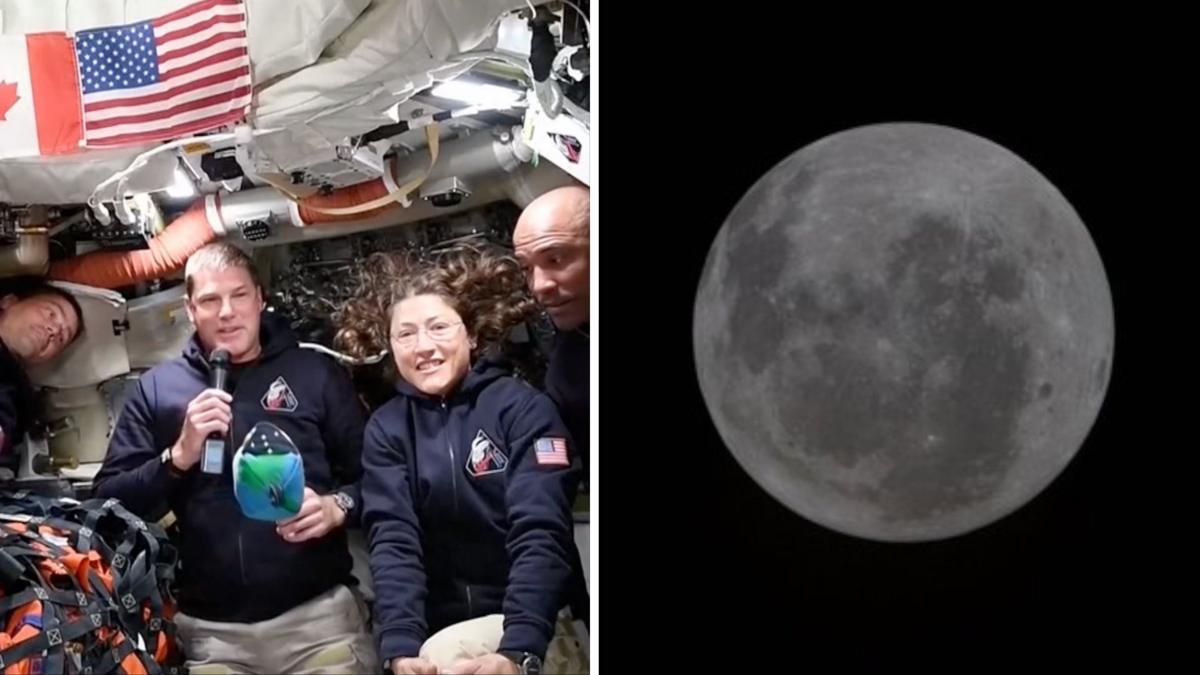
- NASA's Artemis II mission is carrying four astronauts closer to the moon than any humans have been in more than 50 years, giving millions of skywatchers a timely reason to attempt their own lunar photography
- Award-winning astrophotographer Alex Cherney recommends shooting during quarter or crescent phases for a more defined terminator line, noting a full moon just passed and that stronger shadows help the largest craters stand out
- Cherney's smartphone settings include turning off flash, lowering display brightness to preserve night vision, switching to manual focus and exposure, and avoiding night mode which can overexpose the moon or blur detail
- The Artemis II spacecraft Orion is too small to be visible in smartphone moon photos even when positioned on the near side of the moon — the article frames your photo as containing the mission even if you can't see it
- Cherney advises using a tripod or phone clamp, a short self-timer to avoid button shake, and optical zoom rather than digital zoom — with third-party apps like Halide, ProCamera, or Camera M as fallbacks for phones without manual controls
- Daytime crescent moon photography is viable this week, with the moon setting around mid-morning; Cherney suggests balancing it with the dawn sky and an interesting foreground like treetops for a more dynamic image
Why it matters: The article addresses a near-universal frustration — the moon looks stunning to the naked eye but turns into a blurry white dot on a phone camera — by giving casual photographers a concrete, four-step workaround they can try this week. Cherney's emphasis on shooting a crescent (not a full) moon at dawn with a tripod and manual settings reframes what most people assume is a hardware limitation as a technique problem solvable tonight.
Ask SkimNews